







Why Gmail Security Is Important
Most people use Gmail to store sensitive information such as passwords, OTPs, financial emails, and personal messages.
If your Gmail account gets hacked, hackers can:
- Reset passwords of other accounts
- Access banking information
- Send spam emails from your account
- Steal personal data
- Lock you out of your own account
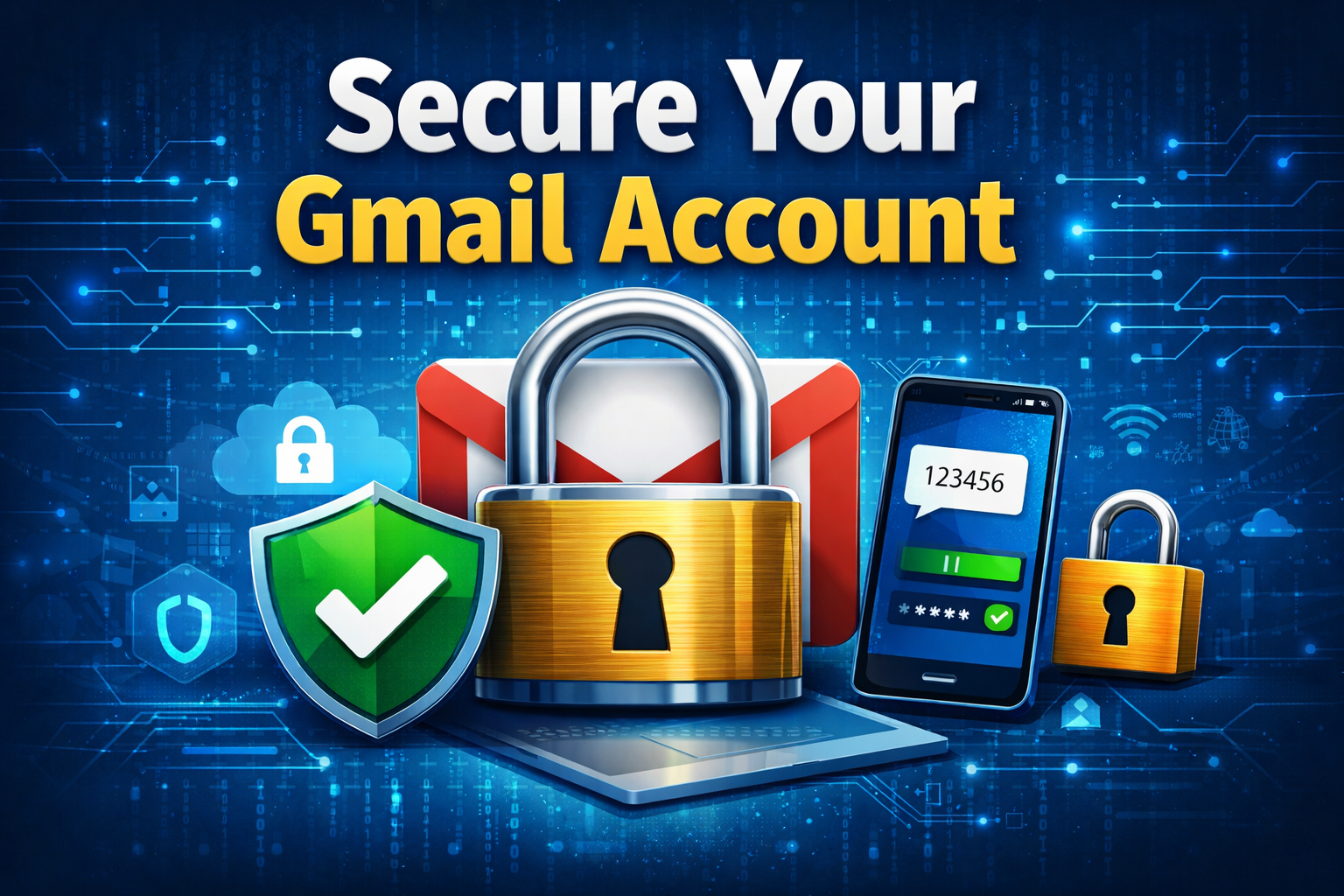
10 Best Ways to Secure Your Gmail Account
1. Use a Strong Password
A weak password is one of the most common reasons accounts get hacked. Avoid simple passwords like 123456 or password.
Instead, create a strong password like: Gm@ilSecure#2026!
- Use at least 12 characters
- Combine letters, numbers, and symbols
- Avoid using personal information
- Change passwords regularly
Learn more about password safety from Google: Password Safety Tips
2. Enable 2-Step Verification
2-Step Verification adds an extra layer of security to your Gmail account. After entering your password, you’ll also need a code sent to your phone.
Enable it here: Google Security Checkup
3. Run Google Security Checkup Regularly
Google provides a built-in Security Checkup tool that helps you review your account security and remove suspicious access.
Run Security Checkup: Google Account Security
4. Be Careful with Phishing Emails
Phishing emails are fake messages designed to trick you into sharing your login details.
- Check sender email address
- Avoid clicking unknown links
- Never share passwords
- Watch for spelling mistakes
Learn how to identify phishing emails: Identify Phishing Emails
5. Check Gmail Settings Frequently
Hackers sometimes change Gmail settings to secretly forward your emails. You should regularly check forwarding settings, filters, and connected apps.
6. Keep Your Device and Apps Updated
Using outdated apps or software increases the risk of hacking. Always update your Gmail app, mobile software, and browser.
7. Add Recovery Email and Phone Number
Recovery options help you regain access if your account is locked or hacked.
Add recovery options here: Add Recovery Options
8. Avoid Logging in on Public Wi-Fi
Public Wi-Fi networks can be unsafe and easily monitored. Avoid logging into Gmail using public or unknown networks.
9. Monitor Recent Login Activity
Gmail allows you to check recent login activity such as device name and location. If you notice unknown access, change your password immediately.
10. Always Log Out from Shared Devices
If you log into Gmail on a shared computer, always log out before leaving. Never save passwords on public devices.
Signs That Your Gmail Account May Be Hacked
- Emails sent that you didn’t write
- Password suddenly changed
- Security alerts from Google
- Unknown login locations
- New apps connected without permission
What To Do If Your Gmail Gets Hacked
- Change your password immediately
- Enable 2-Step Verification
- Run Security Checkup
- Remove unknown devices
- Update recovery options
Recover hacked Gmail account: Recover Gmail Account
Bonus Tips to Keep Your Gmail Account Safe
- Use a password manager
- Do not reuse passwords
- Remove unused apps
- Backup important emails
Final Thoughts
Your Gmail account holds valuable personal information, so keeping it secure is not optional — it’s necessary. By following the steps mentioned in this guide, you can significantly reduce the risk of hacking and protect your digital identity.
Frequently Asked Questions (FAQs)
How can I secure my Gmail account?
You can secure your Gmail account by using a strong password, enabling 2-step verification, and avoiding suspicious emails.
What is 2-step verification in Gmail?
2-step verification adds an extra security layer by requiring a verification code along with your password.
How do I know if my Gmail account is hacked?
Signs include unknown emails, login alerts, or password changes without your permission.
Is it safe to use Gmail on public Wi-Fi?
No, public Wi-Fi can be unsafe. Always use secure networks or VPN connections.
This website is supported by
SkyGlow Digital – Website Development & Digital Services
🌐 Website:
Web Development
📞 Phone: +91 92174 84653