








When people think about the internet, one company often comes to mind first — Google. Over the years, Google has built an ecosystem of powerful tools that help billions of people search, communicate, learn, work, travel, and even earn money online.
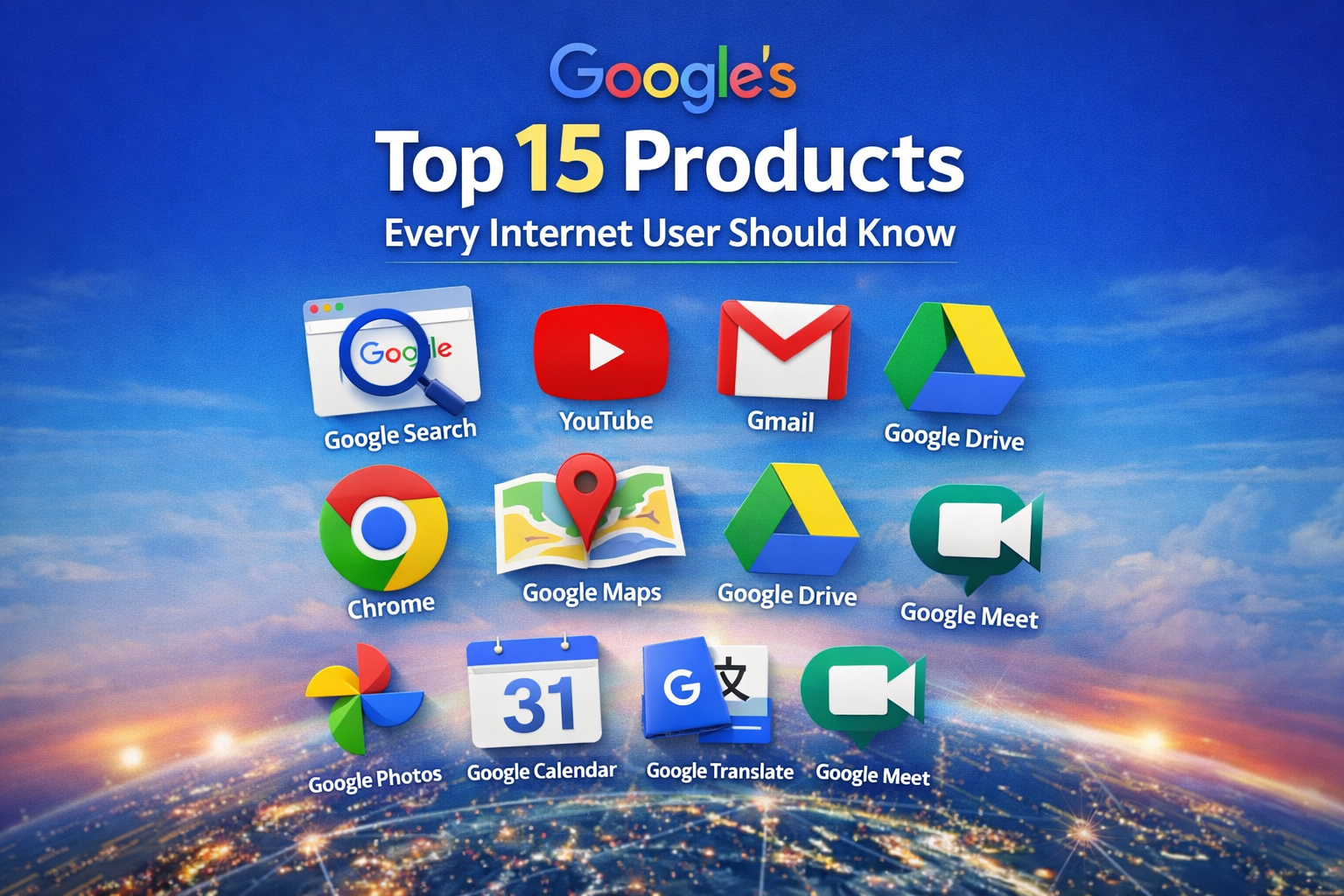
In this guide, you’ll discover the Top 15 Google products every internet user should know and how they actually work in real life.
1. Google Search — The Gateway to the Internet
Google Search uses advanced AI and ranking algorithms to find the most relevant web pages in seconds. Whether you’re learning a new skill, solving a problem, or researching a topic, Google Search connects you to the right information instantly.
2. YouTube — Learn and Earn Through Video
YouTube is the world’s largest video platform. People use it to learn skills, watch tutorials, stay entertained, and build careers through content creation and monetization.
3. Google Chrome — Fast & Secure Web Browser
Chrome is designed for speed, security, and simplicity. It syncs your bookmarks, passwords, and browsing history across devices so you can continue your work anywhere.
4. Gmail — Smart Email Platform
Gmail uses AI-powered spam filtering and smart search to keep your inbox clean and organized. It integrates perfectly with other Google services for productivity.
5. Google Maps — Real-Time Navigation Tool
Google Maps uses GPS, real-time traffic data, and user reviews to help you travel smarter. You can explore places, find nearby businesses, and navigate easily.
6. Google Drive — Cloud Storage for Everyone
Google Drive lets you store files online and access them from any device. You can share files and collaborate in real time with others.
7. Google Photos — Smart Photo Backup
Google Photos automatically backs up your photos and uses AI to organize them by people, places, and objects.
8. Google Translate — Break Language Barriers
Translate text, voice, images, and entire websites into multiple languages instantly. It’s perfect for travel and learning.
9. Google Calendar — Manage Your Time
Schedule meetings, set reminders, and plan events. Calendar keeps your daily life organized and synced across devices.
10. Google Meet — Online Meetings Made Easy
Google Meet provides secure video meetings for remote work, online classes, and webinars.
11. Google Docs — Online Document Editor
Create, edit, and collaborate on documents in real time without installing software.
12. Google Sheets — Spreadsheet Made Simple
Google Sheets helps you manage data, budgets, and reports with powerful collaboration features.
13. Google Slides — Create Presentations Online
Create beautiful presentations and collaborate with your team from anywhere.
14. Google Analytics — Website Performance Tracker
Analytics shows how visitors interact with your website, helping you make data-driven decisions.
15. Google Ads — Advertising Platform
Google Ads allows businesses to reach targeted customers through search, display, and video advertising.
Final Thoughts
Google has built a complete digital ecosystem that helps people learn, work, communicate, travel, and earn online. Mastering these tools can significantly boost your productivity and digital skills.
Written by Shreyansh
This website is supported by
SkyGlow Digital – Website Development & Digital Services
🌐 Website:
https://skyglowdigital.in
📞 Phone: +91 92174 84653